
If a cookie or service has been miscategorized — or if a business decision requires changing its consent category — you can update it directly in your Secure Privacy account under the Classification tab. This guide explains how to locate the service, apply the category change, and rescan to propagate updates across your cookie declaration and preference center.
Who Is This For?
Compliance officers managing and correcting cookie classifications in Secure Privacy
Website administrators updating consent categories for detected services
Marketing and legal teams ensuring cookies are correctly classified as Essential, Analytics, Marketing, or Functional
How to Change a Cookie Consent Category
Log in to your Secure Privacy account and select the domain you want to work with.
Navigate to the Classification tab.
Under the Cookies tab, locate the cookie you want to update and confirm which Service it belongs to.

Since consent categories are assigned to services — not individual cookies — switch to the Services tab.
Find the relevant service, click the three-dot menu next to it, and select Edit.

In the edit window, select the required category from the dropdown and click Save.

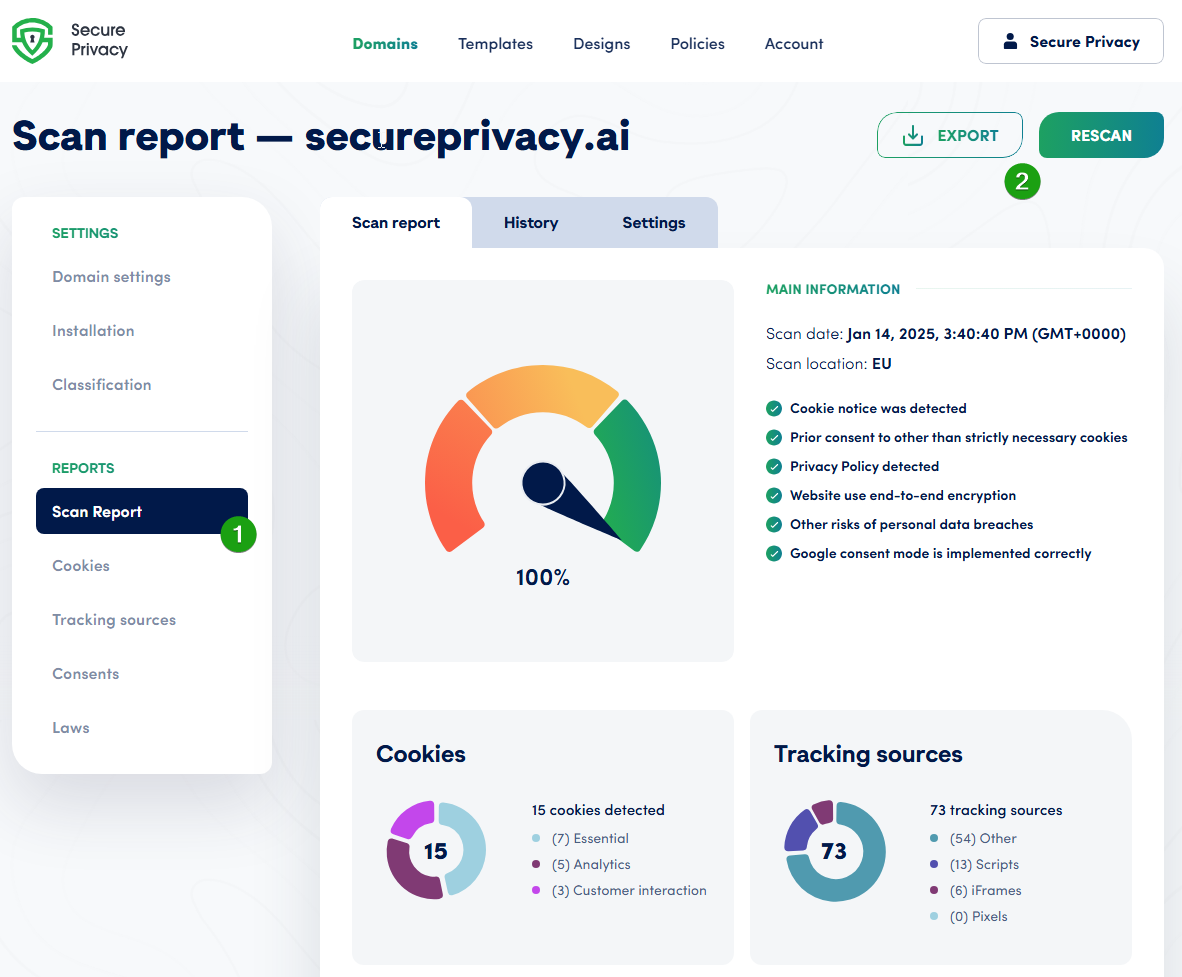
Navigate to Scan Report > Rescan Website to propagate your changes across the scan report, preference center, and cookie/privacy policies.
Frequently Asked Questions
Can I change the consent category for a specific cookie directly?
No. Consent categories are assigned at the service level — not to individual cookies. To change the category for a cookie, locate the service it belongs to using the Cookies tab, then edit the service's category in the Services tab. All cookies associated with that service will inherit the updated category after a rescan.
Why don't my changes appear immediately in the preference center?
After editing a service category, you must trigger a website rescan from Scan Report > Rescan Website. The rescan updates your scan report, preference center, and cookie/privacy policies to reflect the new classification.
How do I find which service a specific cookie belongs to?
Navigate to the Classification tab and open the Cookies tab. Each cookie entry shows its associated service name — use this to identify which service you need to edit before switching to the Services tab to make the category change.