
Getting started with Secure Privacy is now easier with our seamless onboarding process integrated directly into your favorite CMS plugins. You don't need to leave your CMS website – you can sign up, customize, and activate Secure Privacy within minutes, ensuring your website is compliant with global privacy laws with minimal hassle.
Note: Seamless onboarding is currently supported for Shopify and WordPress plugins.
New User Setup
Once the Secure Privacy plugin is successfully installed, you'll see the sign-in screen:
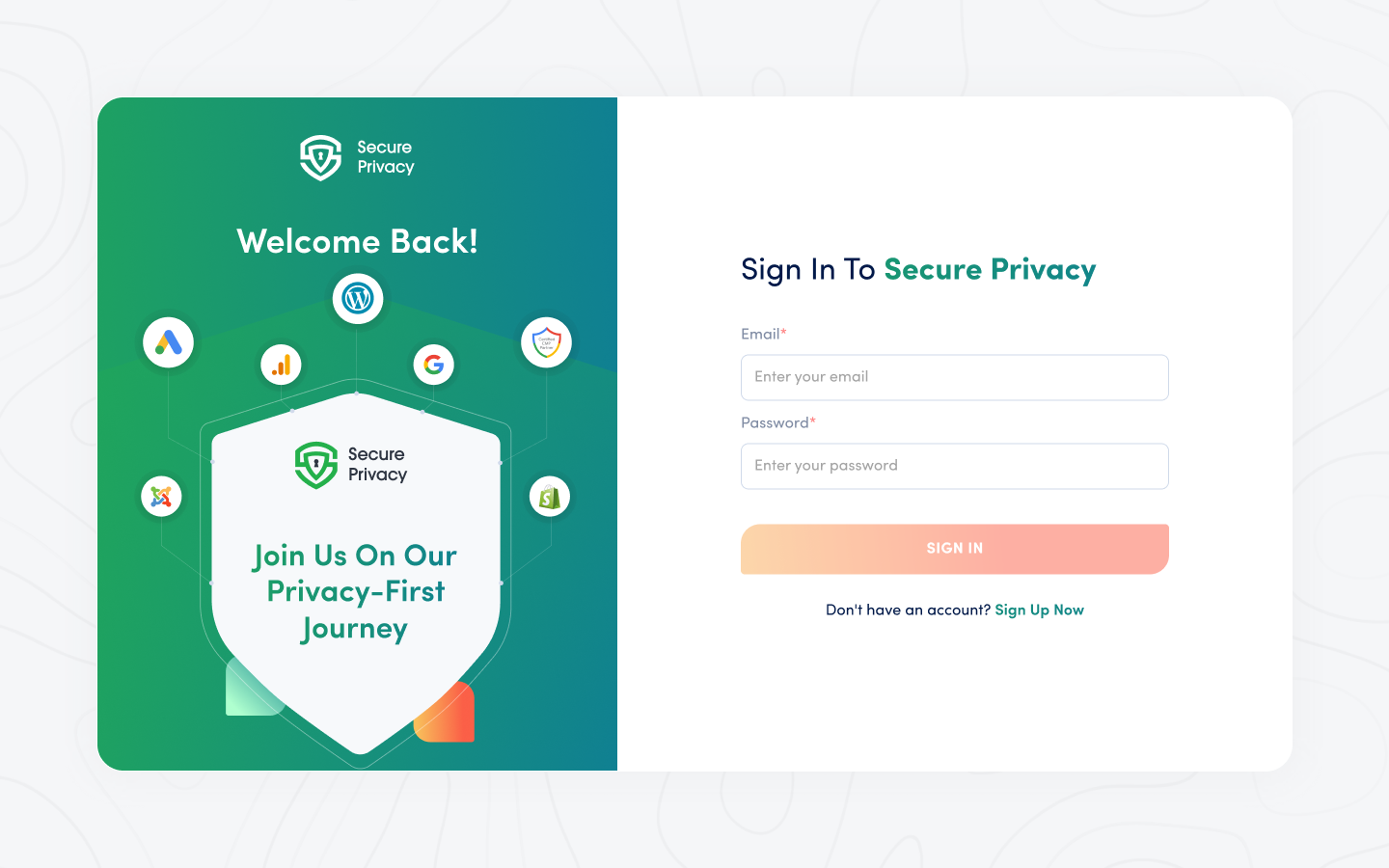
New to Secure Privacy? Click Sign Up Now to create an account. You will see the account creation form:
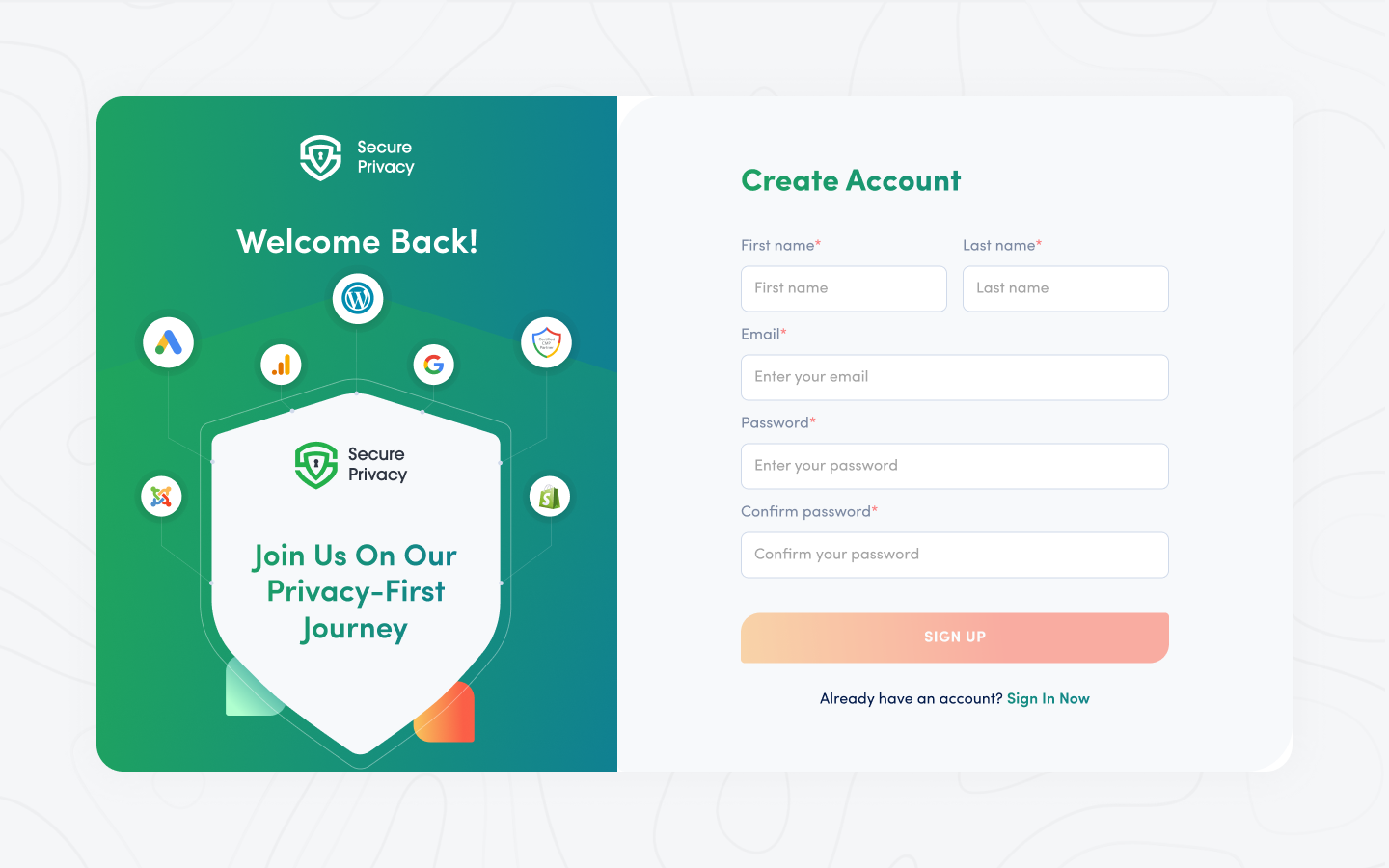
Signing up automatically enrolls you in a 30-day free trial. After the onboarding process, log in to the CMP console to access all features and manage your privacy settings.
Adding Your Domains
After creating your account, add your domain (where the CMP is installed) to start displaying the Cookie Banner:
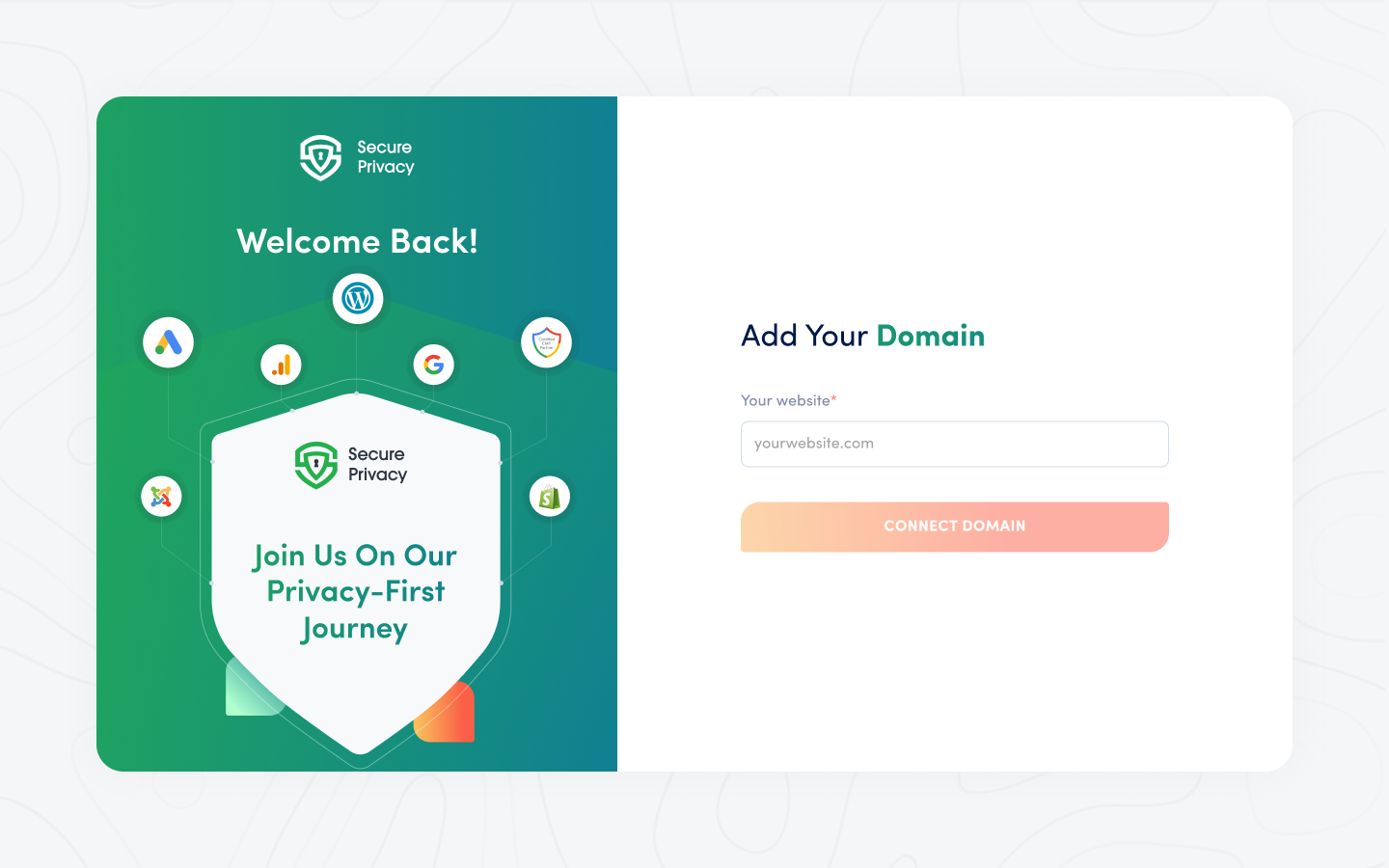
Once the domain is added, you'll see this confirmation screen:
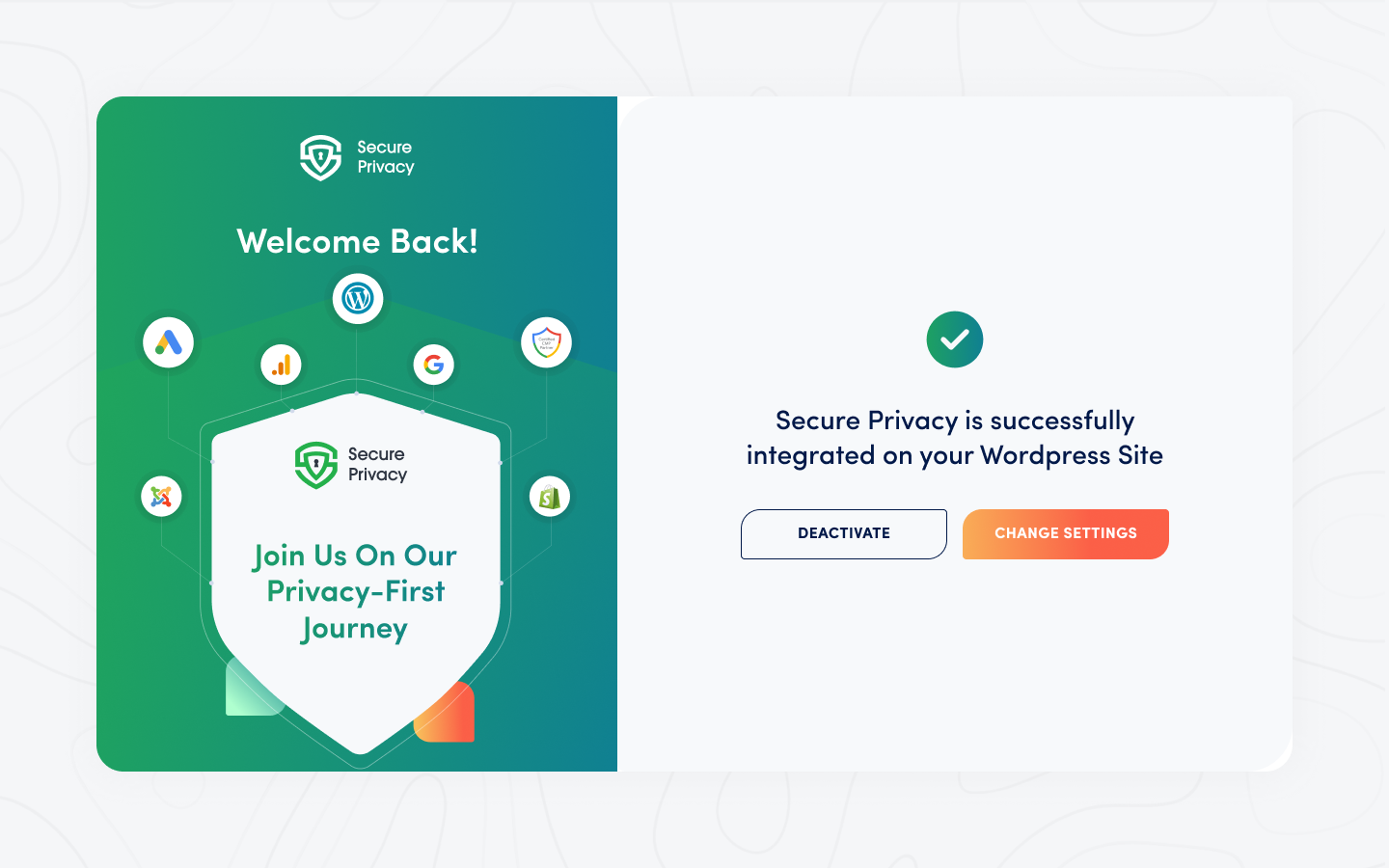
You can click Change Settings to visit the Secure Privacy CMP Console. Use the same email and password to access your settings.
Manage Your Account Settings
If already logged in via the plugin, a domain selection screen will appear:
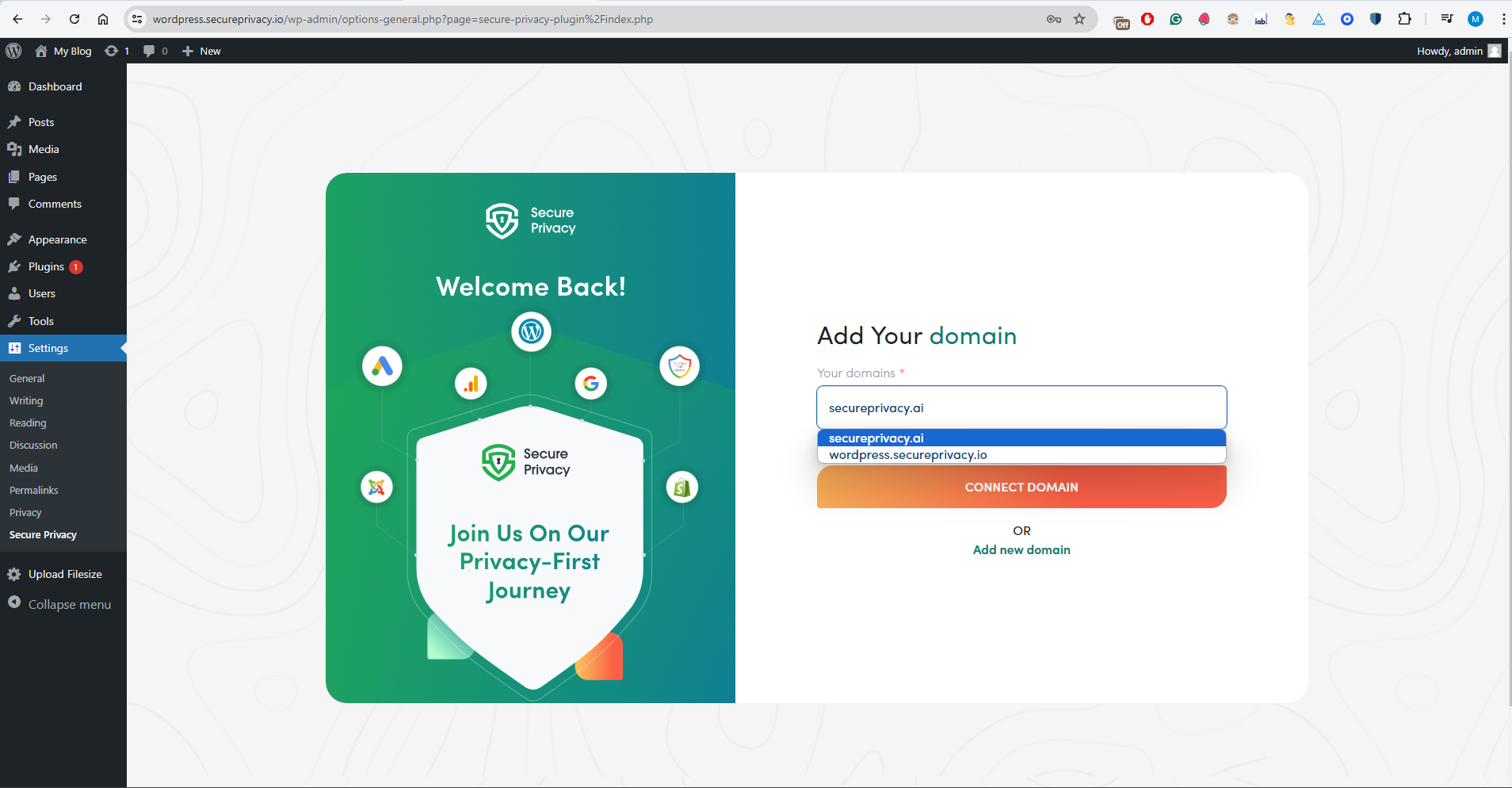
Select the domain where you want the cookie banner to appear.