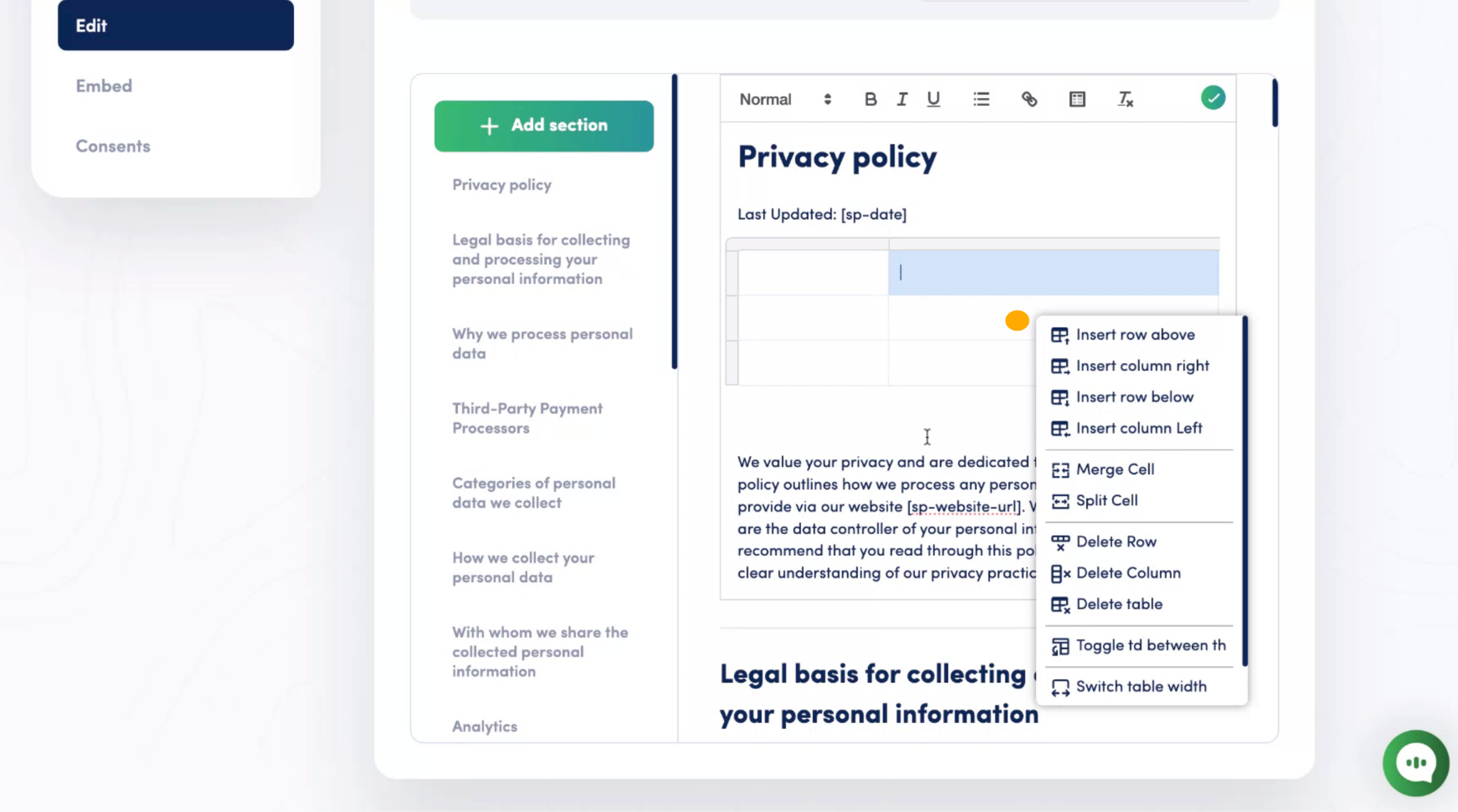
The Secure Privacy Policy Editor now allows you to insert and customize tables. This enhancement helps you present information in a clear, structured format in your privacy or cookie policies.
Why Use Tables?
Tables are a simple way to:
- Organize complex details
- Present cookie categories or data-handling practices clearly
- Improve the readability of your documentation
How to Insert a Table
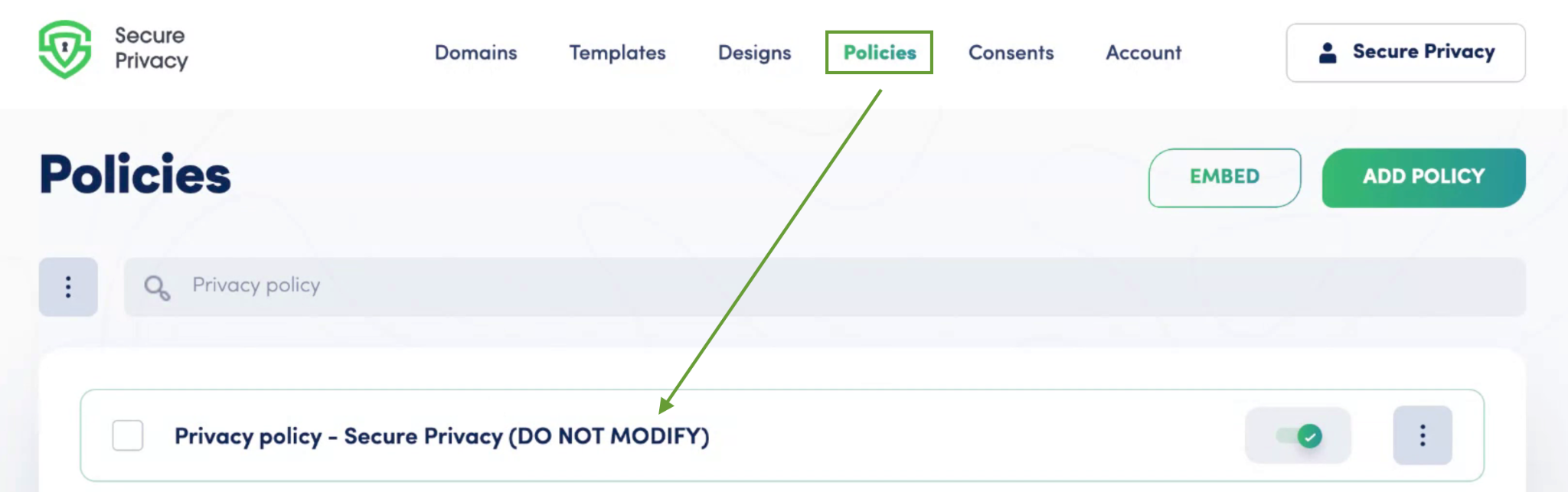
Head over to the Policy Editor for any given policy in the Secure Privacy
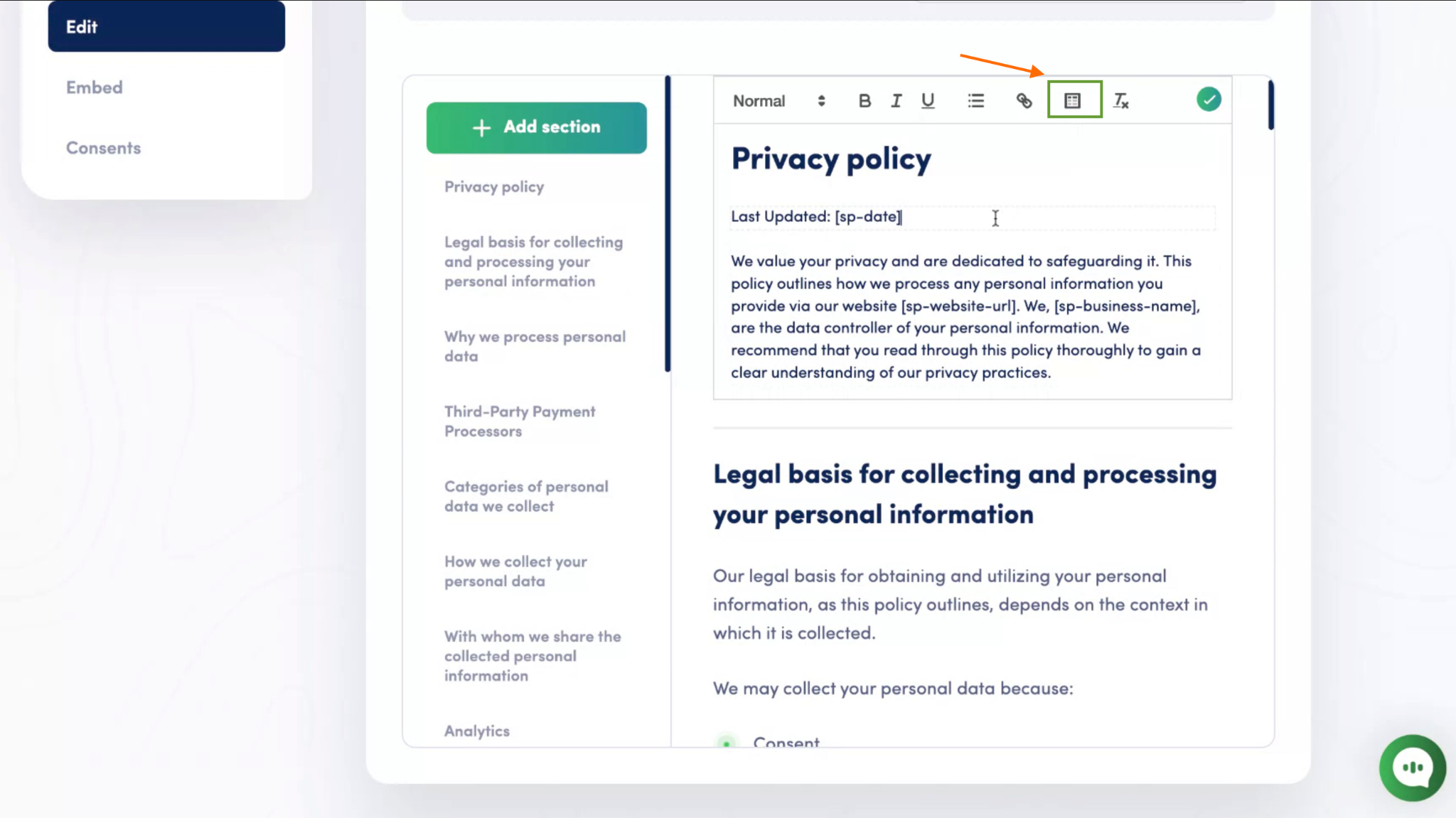
In the toolbar, click the table icon.
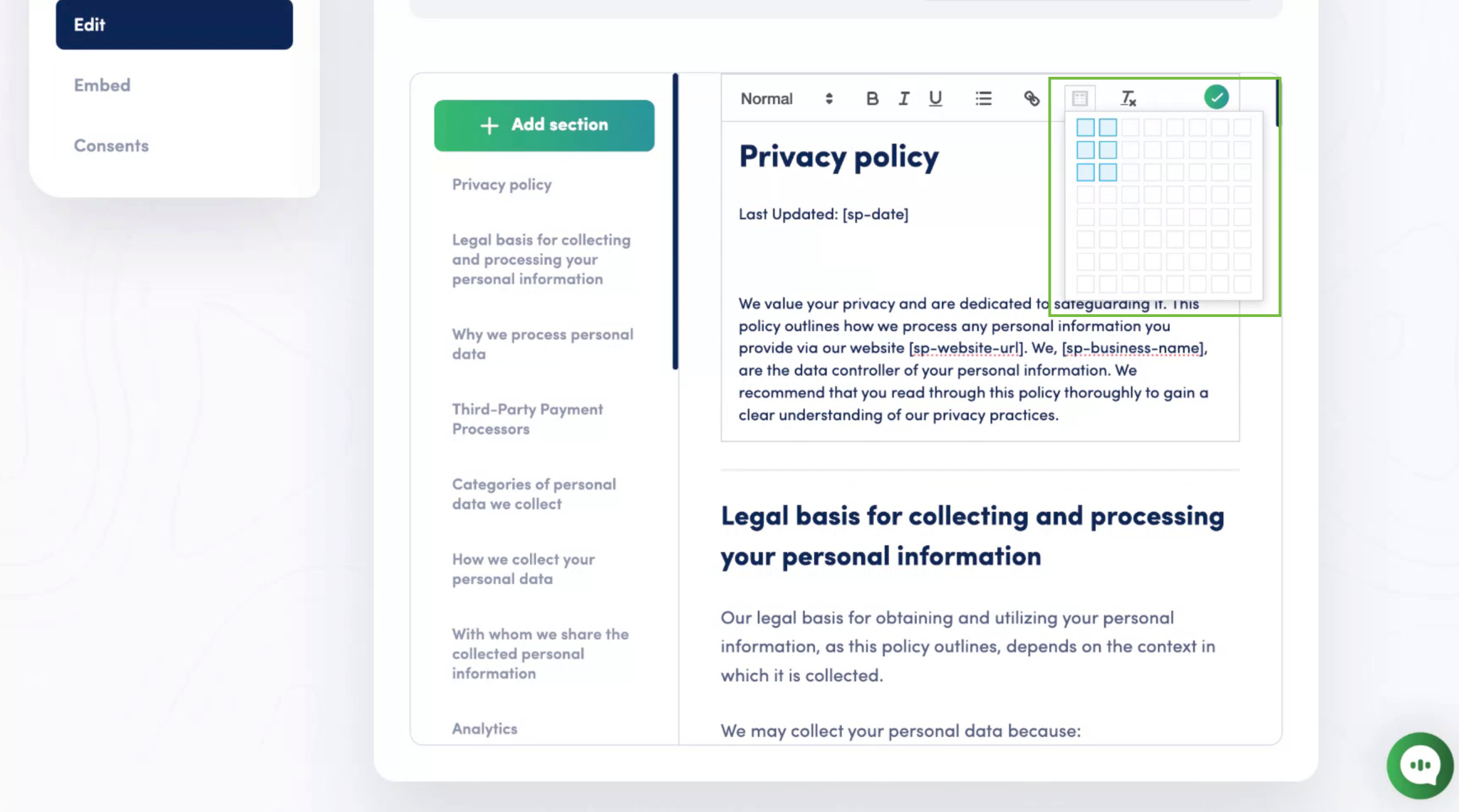
It will now ask you to decide the table size. Confirm the number of rows and columns by hovering over the desired size.
Editing and Customizing Tables
Click inside a cell to add your content.
Right-click on a cell to access options such as inserting or deleting rows and adjusting table properties.