
Websites using Google Tag Manager (GTM) can easily deploy Secure Privacy by following these step-by-step instructions.
We assume that you have already created a GTM account, created a website container in GTM and added the GTM container snippet to your website as required: https://support.google.com/tagmanager/answer/6103696
Implementing Secure Privacy in GTM
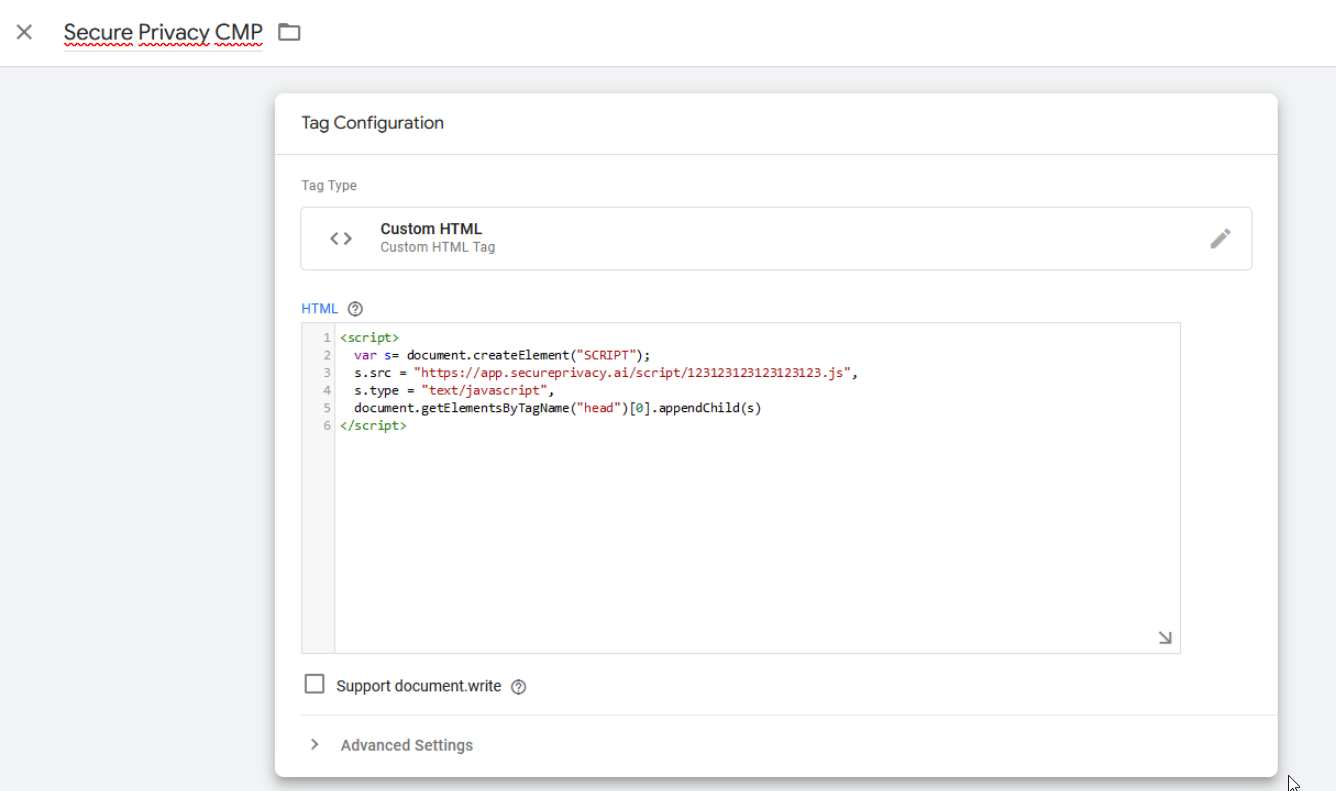
- Choose “Consent Initialization” as a trigger and apply a name to your tag at the top of the configuration page, e.g. “Secure Privacy Script”. Click “Save” to create the tag. This is what your tag configuration should look like (except for the value of the script source
- Finally, click “Publish” to push your changes live to your site.
The consent banner is now active on your website!