Integration of banner Scripts with Tealium to manage the cookies on your website.
Implementing the installation script
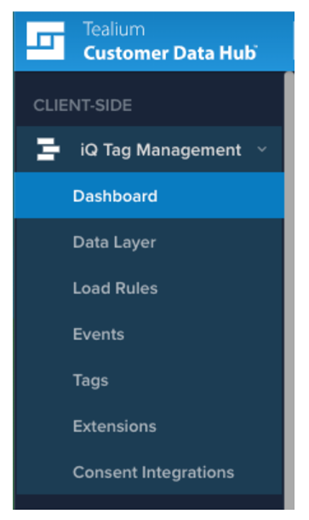
• On the iQ Tag Management menu, select Extensions.
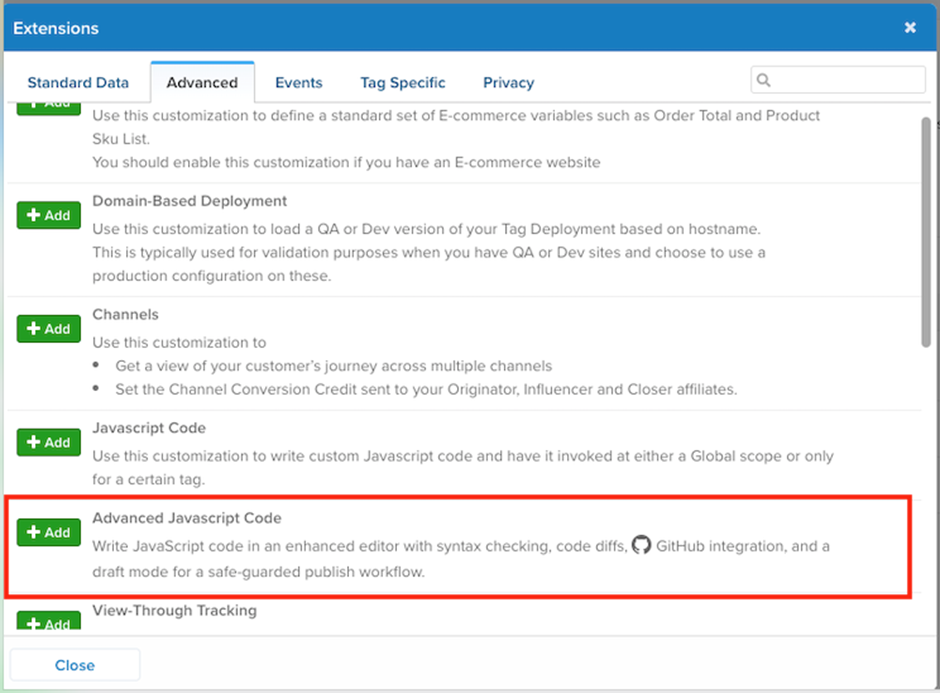
- Click Add Extension

- From the Advanced tab, select Advanced Javascript Code.
- Enter a title for the extension - Secure Privacy
- Select "Pre Loader" as a "Scope".
- Under "Configuration", enter the following JavaScript:
the code should be located here - 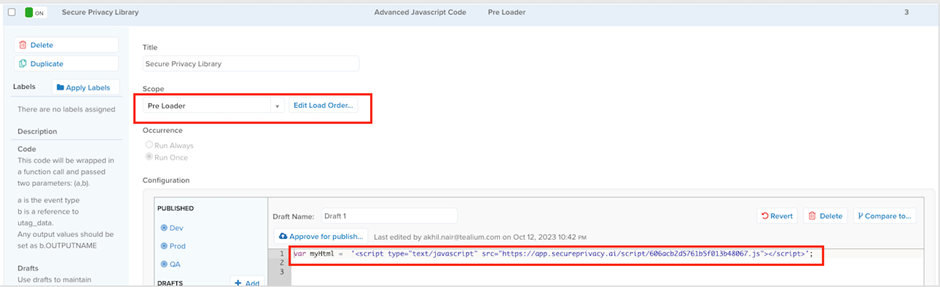
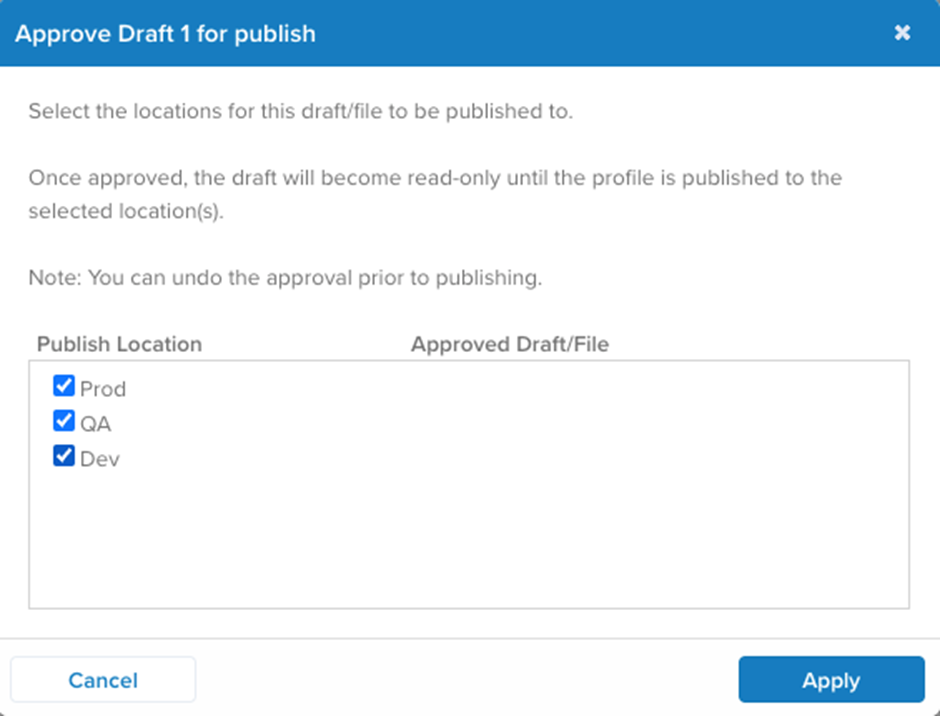
- Once the code is added - click on “Approve for publish”

- Select all the environment the code needs to be pushed.
- Publish the changes!