
Note: Shopify does not allow the use of external script in the checkout, so you will only be able to use Secure Privacy on your Storefront and the Order Confirmation page.
Installation Steps
- Click on the Actions button on the top right and choose Edit code [HTML/CSS].
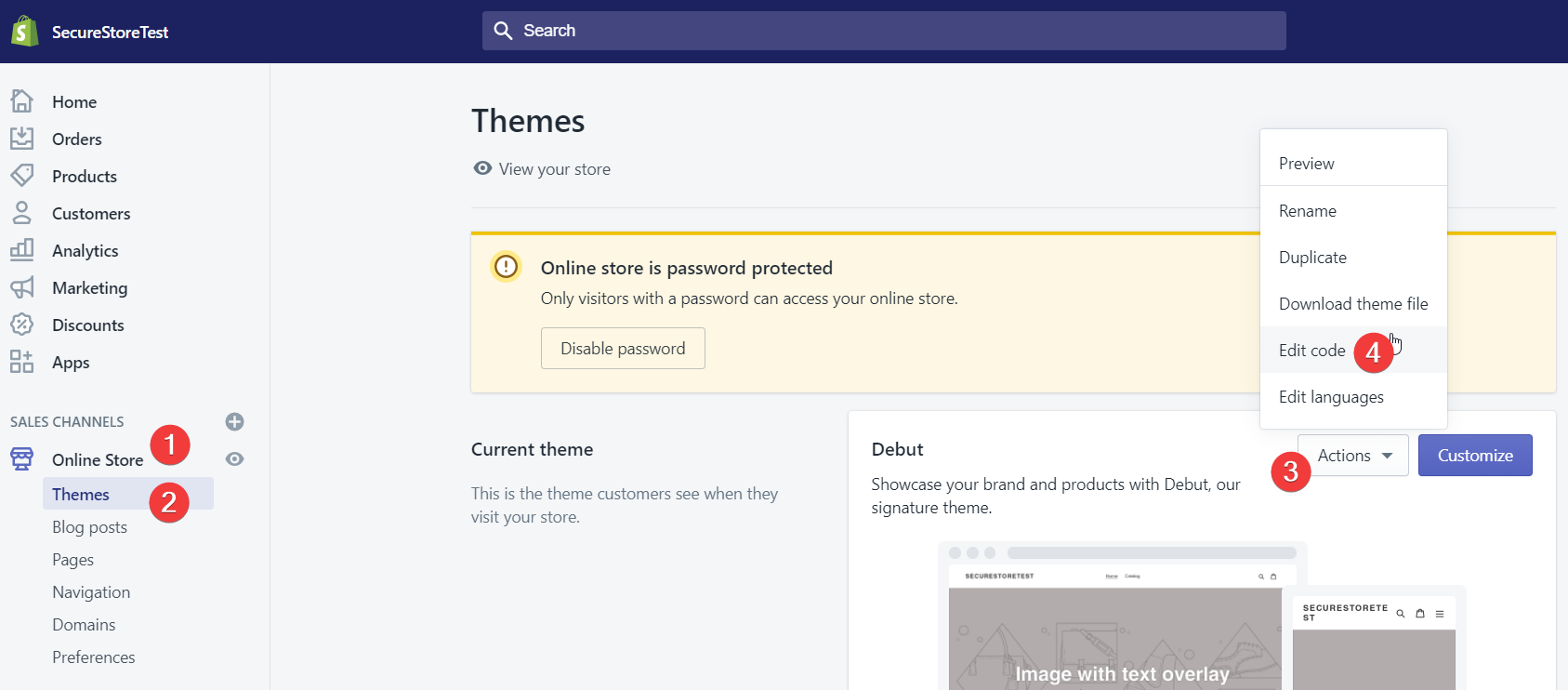
- Under layout, select theme, then liquid.
- Scroll on the page until you find the following tag:
.
Note: Some themes will use the tag
{/head},[/header], or other variations of[/head]. These will work in the same way.
- Paste the Secure Privacy installation code (the